How to Download TikTok Videos on Android (2025 Guide)
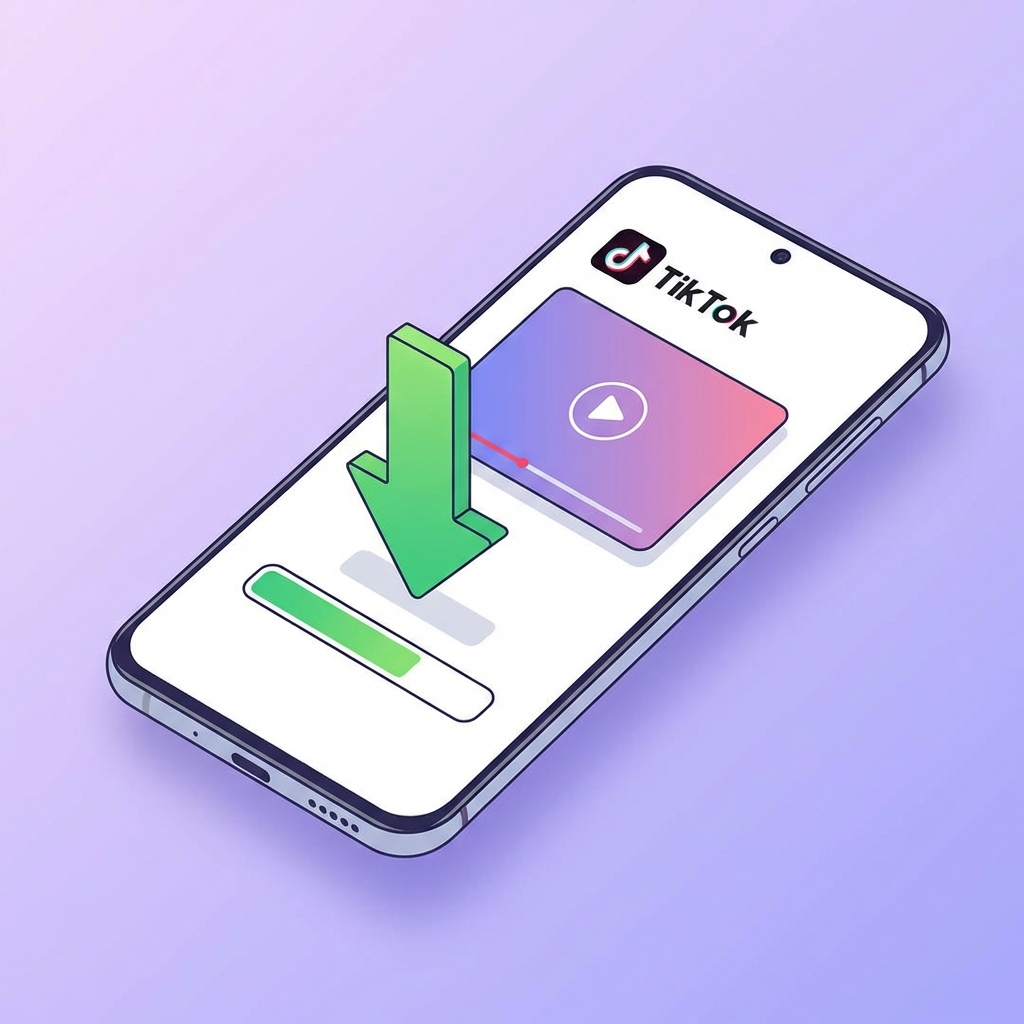
Android users have many options to download TikTok videos, but most involve installing sketchy apps from the Play Store that are full of ads. The best, safest, and fastest way to download TikTok videos without a watermark on Android in 2025 is using an online downloader like Tikup.
Why choose online tools over apps?
- No Storage Used: You don’t need to install a heavy app.
- Privacy: No permissions (contacts, location) required.
- No Ads: Unlike free downloader apps that bombard you with ads, Tikup is clean.
Steps to Save TikToks on Android
1. Get the Video Link
Launch the TikTok app on your Samsung, Xiaomi, Pixel, or any Android device. Find the video. Tap the Share icon (it looks like an arrow). Swipe through the options until you see Copy Link. Tap it.
2. Visit Tikup.me
Open Google Chrome (recommended for Android). Type tikup.me in the address bar.
3. Paste and Download
You will see a big search bar. Long-press inside it and tap Paste. Then tap the Download button. After processing (usually 1 second), scroll down to see the Download Video button. Tap it.
4. Find Your Video
The file will download to your phone’s storage. You can usually find it in:
- The notification shade (tap “Download complete” to open).
- Google Photos app under “Library” -> “Download”.
- Files app -> “Downloads”.
That’s it! You now have a clean, watermark-free HD video on your Android phone.
Tags
Related Articles

7 Benefits of Having Real TikTok Followers
January 19, 2026

Boost TikTok Engagement to Attract Real Followers
January 19, 2026
10 Common Mistakes When Trying to Grow TikTok Followers
January 19, 2026